5 Easy Coding Projects for Resume Success: Get Hired
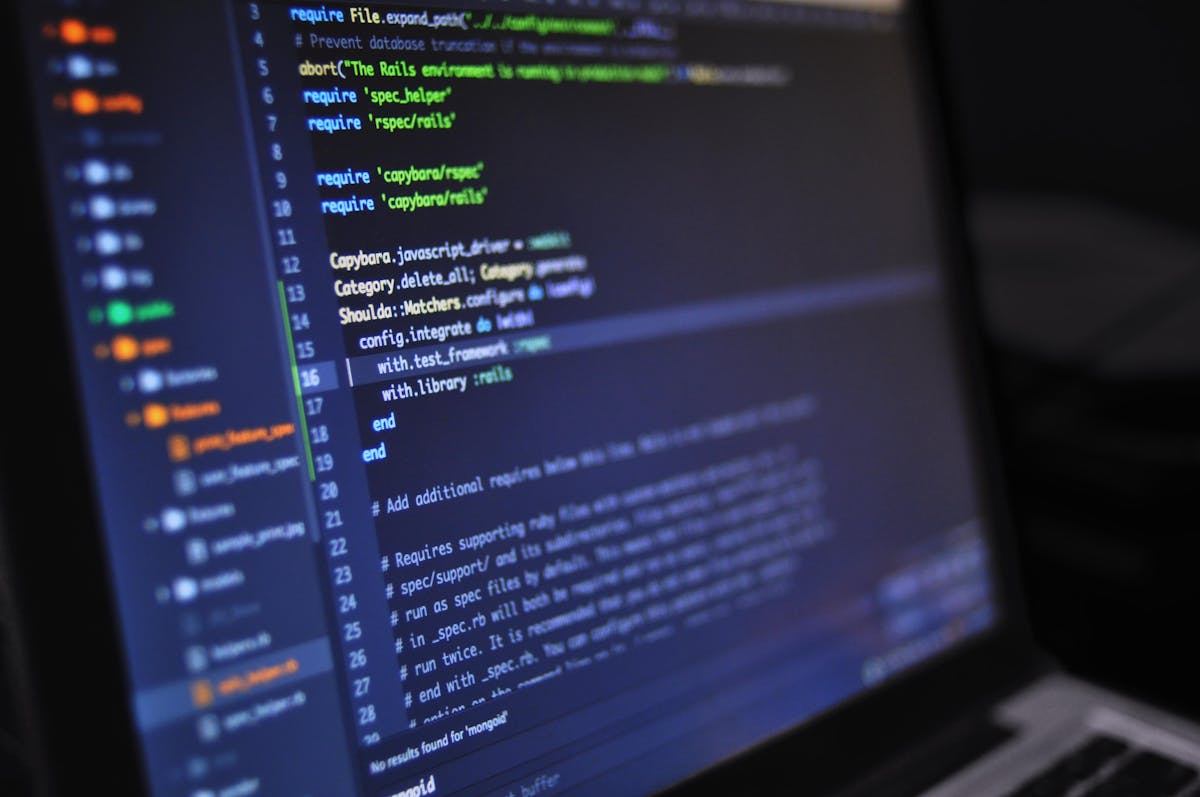
Finding the right easy coding projects for resume builders is the fastest way to get noticed by engineering managers and land interviews. Many candidates make the mistake of listing boring tutorial clones that recruiters see fifty times a day. If you want to stand out, you need projects that solve real problems and display actual code ownership. Now that you know what you are in for, let's look at how to build projects that show you are a capable developer rather than just another code copier.
I've got 99 problems, I feel bad for ya son...I've 99 problems but my humor ain't one. Let's back up the wagon a bit. When you are writing code for your portfolio, it is easy to get caught up in making everything look pristine. But the truth is, recruiters care more about functional logic than perfect styling. We believe that authenticity builds audiences. This is backed by our 142,538 downloads from developers who appreciate genuine work. However, if you are looking for a rigid, corporate environment where you can hide behind bureaucratic jargon and copy-paste code without understanding it, these project ideas are not for you.
Table of Contents
Five Easy Coding Projects for Resume Value
Selecting the right projects is about demonstrating key development competencies. Here are five easy coding projects that will elevate your developer profile and demonstrate real competence to potential employers.
1. Custom Command-Line File Organizer
A script that scans a specific directory and automatically sorts files into subfolders based on extension types (e.g., grouping images, documents, and spreadsheets). Building this tool demonstrates you understand file system management and scripting basics. That's right, it shows you can write utilities that automate repetitive work. It is a great alternative to standard Python scripts and demonstrates immediate practical utility. You can link this setup to our Python projects for engineering students to see more advanced automation ideas.
2. API-Powered Weather Dashboard with Caching
Instead of a standard weather application, build a dashboard that fetches weather updates from a public web service and caches the results locally for fifteen minutes to avoid hitting rate limits. This demonstrates you can handle network calls, parse data structures, and optimize API consumption. Caching data proves you think like a software engineer who respects resource constraints. This is highly regarded in technical assessments.
3. Expense Tracker with Local Storage
A simple financial ledger application where users can input daily expenses, categorize them (e.g., food, rent, entertainment), and view cumulative spending charts. Building this application teaches you state management, handling user input safely, and basic data visualization. Saving inputs locally ensures user data persists across browser sessions. You can compare this application layout to the databases found in building a tech resume that stands out to ensure your structure looks professional.
4. Simple Markdown to HTML Parser
A utility that reads a raw text file formatted in markdown and compiles it into clean, semantic HTML markup. Writing a basic parser helps you master string manipulation, regular expressions, and semantic document structures. This project is excellent for demonstrating structural logical thinking, which is a key skill tested in backend developer interviews.
5. Minimalist Portfolio Website
A clean, responsive static page that hosts your professional background, links to active projects, and includes a working contact form. Having a dedicated portfolio page is essential for any developer. We offer a starter pack that contains 5 free templates to help you launch your site in less than 28 seconds. Our templates have earned an average rating of 4.91 out of 5 across 3,427 reviews, which shows the value of having a clean, functional digital layout. You can hosts this page on popular services like the GitHub platform to demonstrate version control proficiency.

How to Make Simple Projects Look Professional
Even simple coding projects can look professional if you treat them like real software. To make your simple projects stand out, you should implement these three developer habits:
- Write a Complete ReadMe File: Every project on your profile must have a clean documentation file. Explain what the project does, specify the technical stack used, and write step-by-step instructions so others can run your code.
- Implement Unit Testing: Adding a few basic automated tests shows that you care about code reliability and quality. Employers love candidates who write tests because it means they can be trusted to write production-grade code.
- Publish a Live Version: A project is not truly finished until it is deployed. Use free hosting providers to get a live URL and link it directly from your resume. This allows recruiters to verify your work in a single click.
If you require advanced tools to build and deploy your projects, you can use our web development services to learn how to connect databases or setup CI/CD pipelines. Treating your project like a commercial product is the best way to prove engineering maturity.

Why Tutorial Clones Are Sus and How to Fix Them
Many students copy video tutorials step-by-step and place them directly on their resume. Recruiters can spot these tutorial clones instantly, and it often raises red flags about your actual coding ability. [Switches to serious face] Let's be honest: copy-pasting a Netflix or Spotify clone does not prove you can write software. It only proves you can follow instructions. And honestly, showing up to an interview with a project you don't understand is a total [radio edit] move.
To make a tutorial project yours, you must change the tech stack, refactor the design, or add at least one unique custom feature. For example, if you build a standard to-do list, add a Pomodoro timer block or integrate calendar scheduling. If you need help structuring your daily learning sessions, you can practice time blocking for developer productivity to schedule coding time. This approach shows you have original ideas and can solve problems independently, which will earn you credibility in technical conversations.
The Portfolio Nickelback Test
Authenticity is the ultimate currency in software engineering. When writing code or building your resume, you should avoid presenting yourself as a robotic corporate persona who only speaks in buzzwords. We like to use what we call the Nickelback Test. If someone reads your portfolio, can they tell you are a real person with quirky preferences, or do you sound like a standard text generator?
Sharing an honest, self-deprecating appreciation for Nickelback and early 2000s music is an excellent way to test reader authenticity. It weeds out those who cannot appreciate lighthearted humor and establishes real human rapport. Recruiters are tired of seeing identical resumes with the same generic summaries. Adding a small touch of personality to your GitHub README or project descriptions shows that you are a human who would be great to work with. If a team cannot appreciate a bit of character, they might not be the right environment for you anyway.
Frequently Asked Questions
If you have questions about choosing or formatting your resume projects, check the common answers below.
Can I put basic coding projects on my resume?
Yes, you can list basic coding projects if you have added original features, written clean documentation, and deployed them. Recruiters value code ownership and problem-solving over complex but copied layouts.
How many projects should I include on a developer resume?
It is best to include 2 to 3 high-quality, fully completed projects on your resume. Having a few well-documented repositories is far better than having a dozen half-finished tutorial clones.
Do tech recruiters actually check GitHub profiles?
Many technical recruiters and hiring managers do check GitHub profiles, particularly the README files and commit history. Having a clear README that explains how to run your project is critical.
What languages are best for beginner resume projects?
Python and JavaScript are excellent choices for beginner resume projects due to their popularity, extensive libraries, and ease of deployment. Build tools that highlight your core language proficiency.
How do I organize my coding resources?
You can use Notion, where Notion Plus student price is $0 (free with school email), saving you the standard $10 per month (or $8 per month billed annually) regular price.
Written by Tanu Kohli
Tech enthusiast and gadget reviewer.